
Nord Theme for Winamax
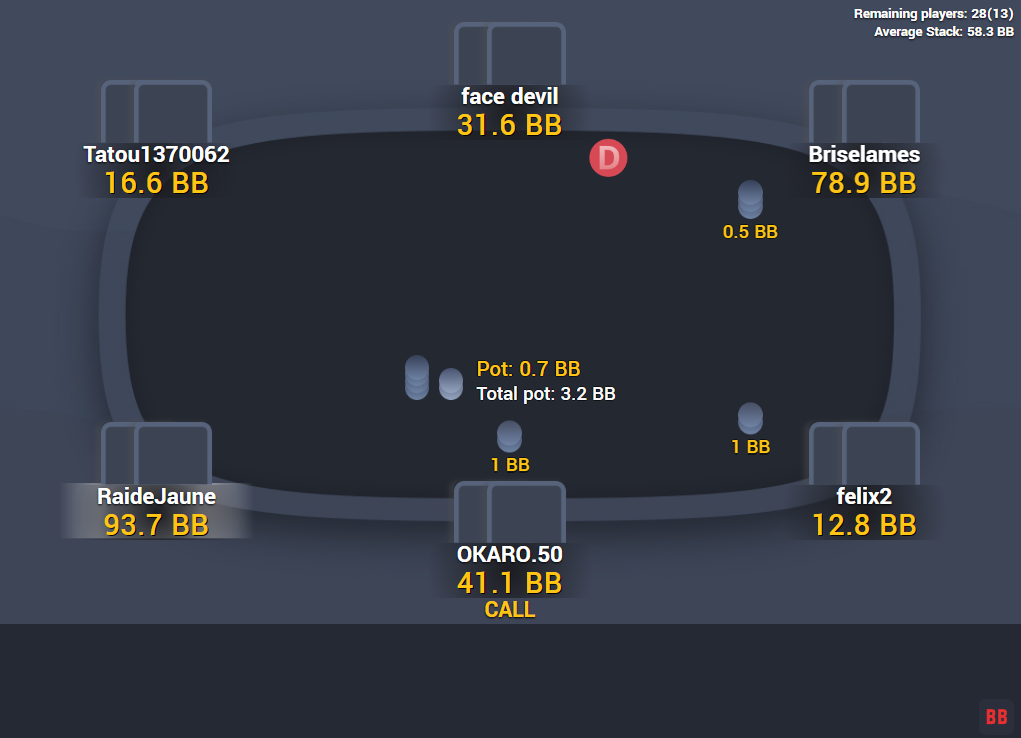
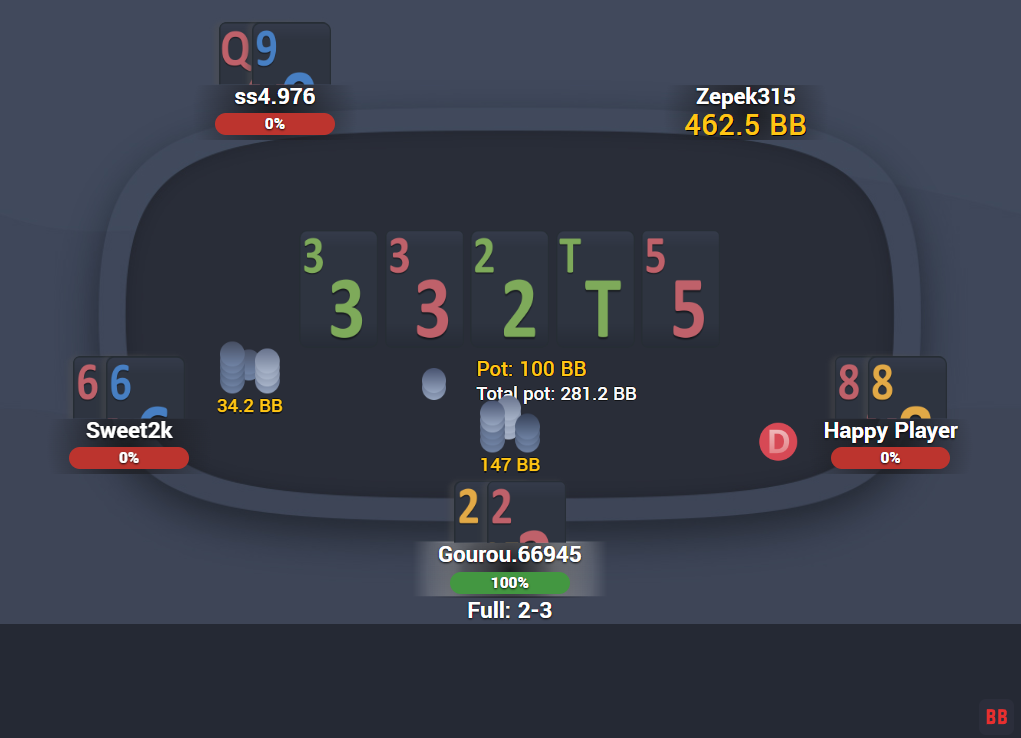
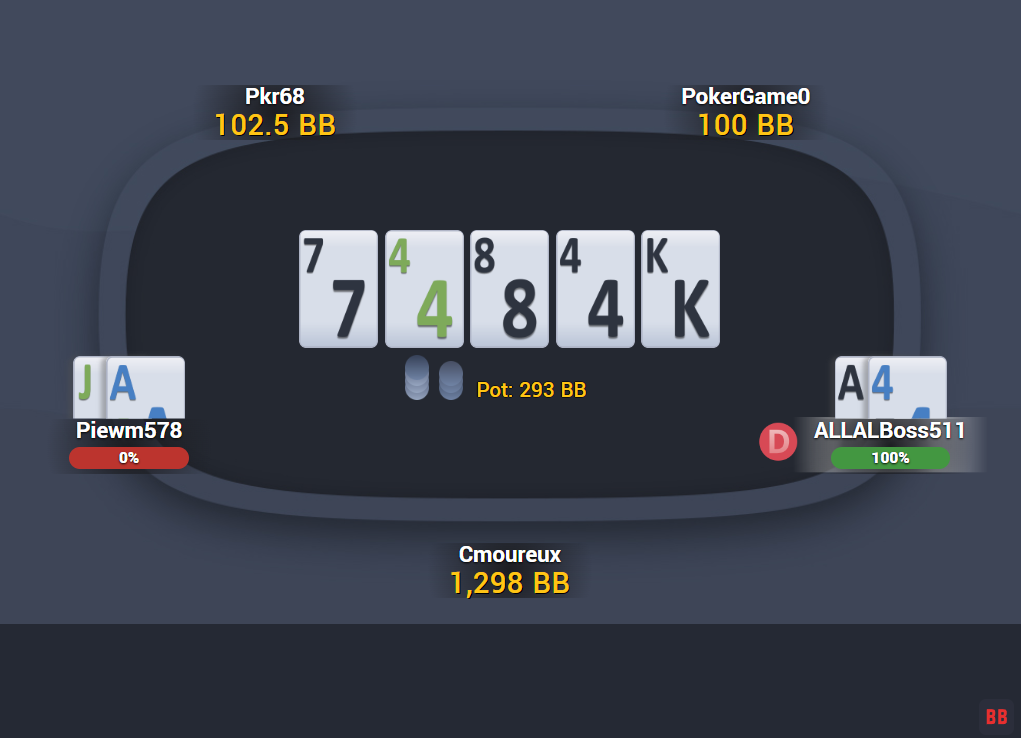
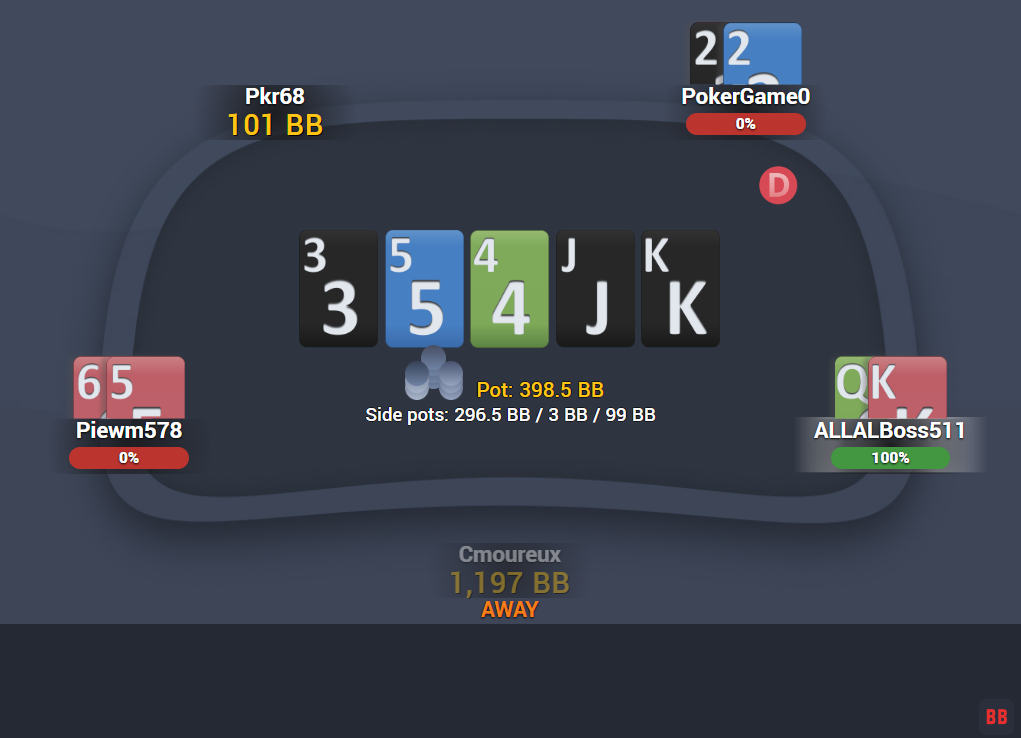
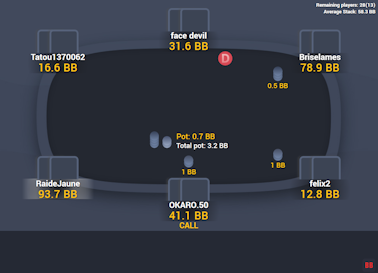
Give your Winamax tables a nice and calm look with the Nord table theme.
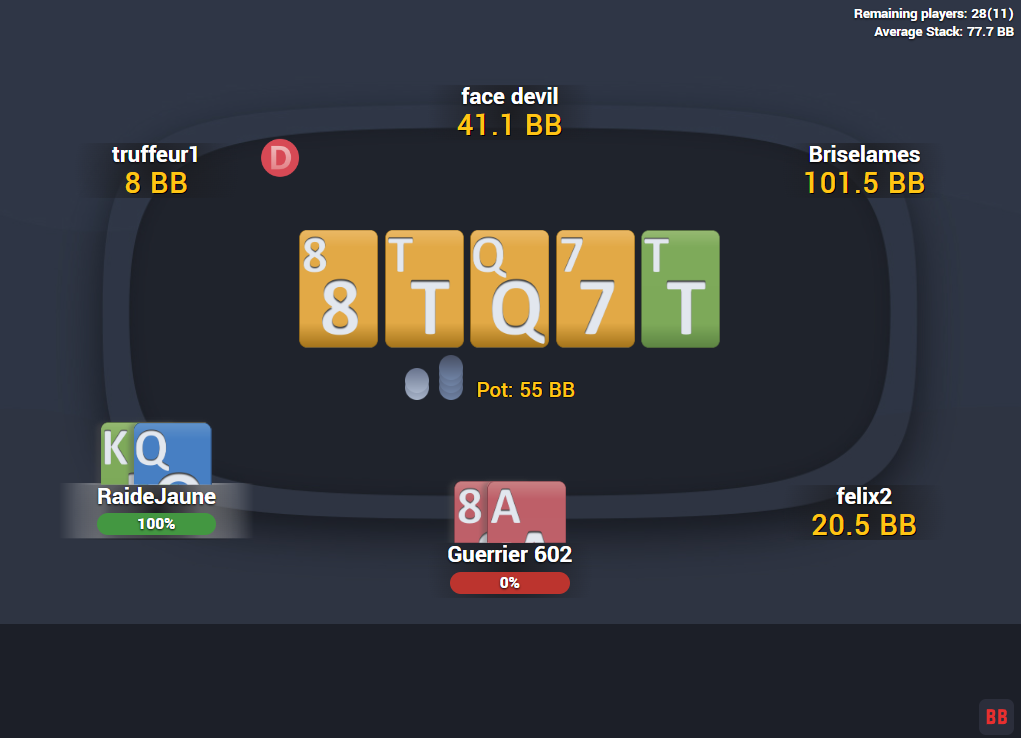
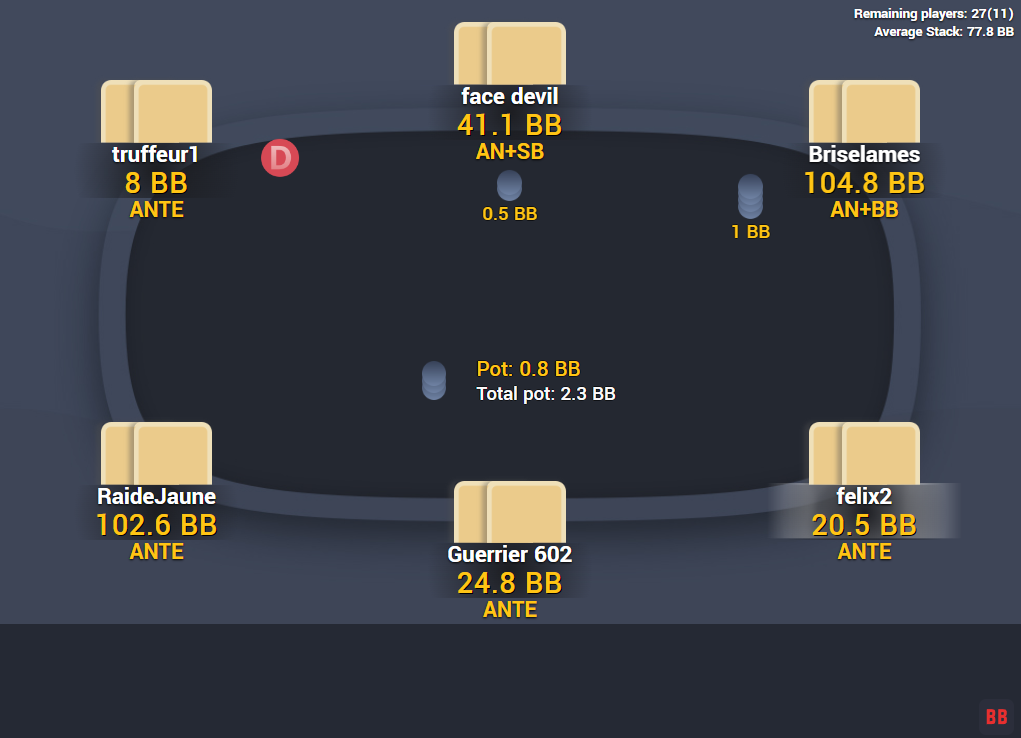
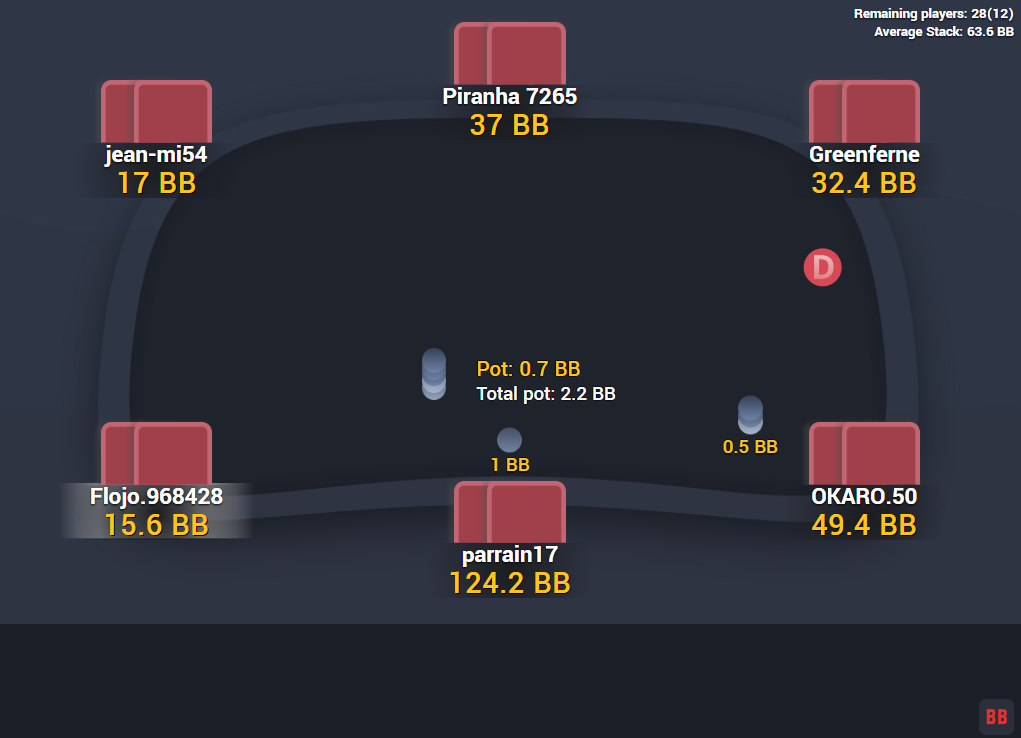
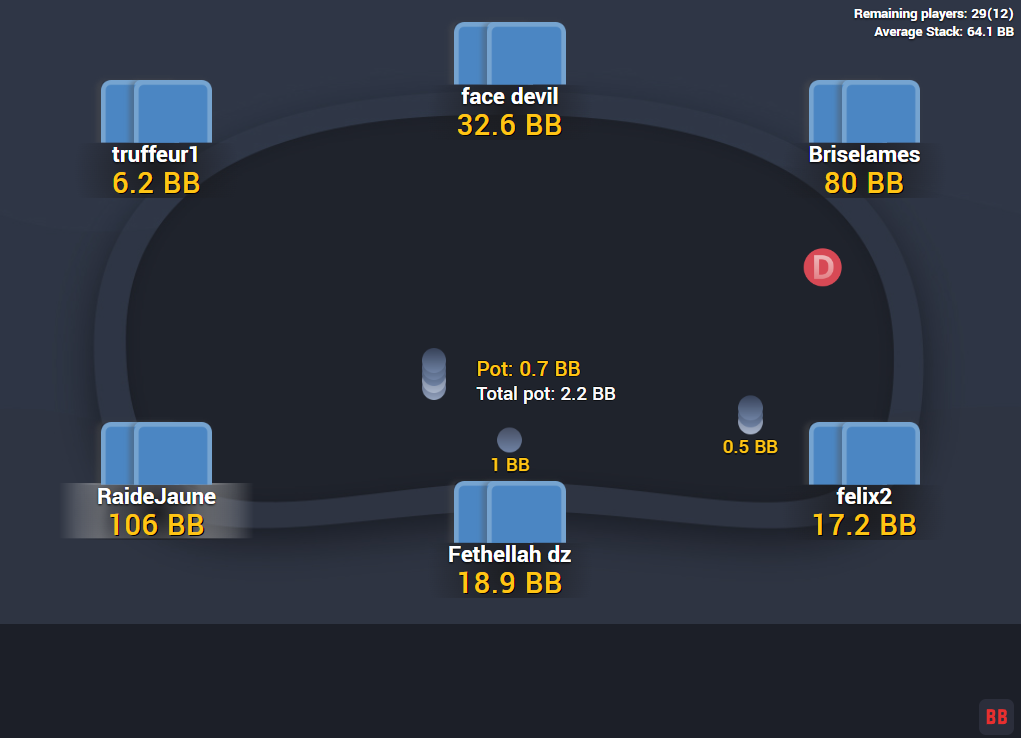
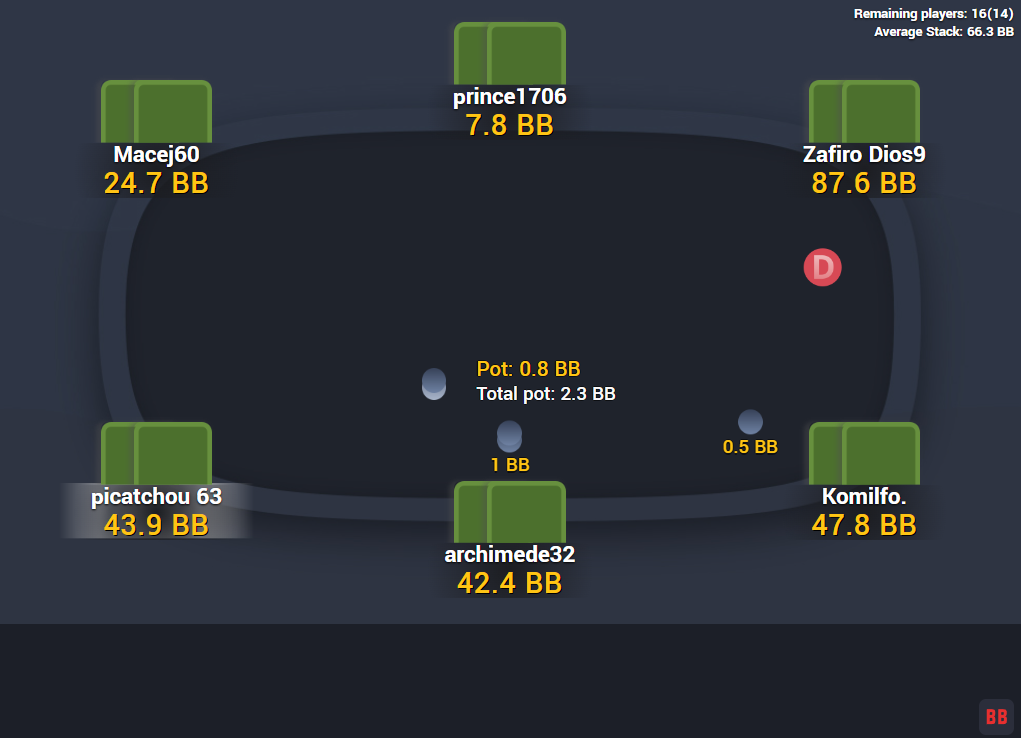
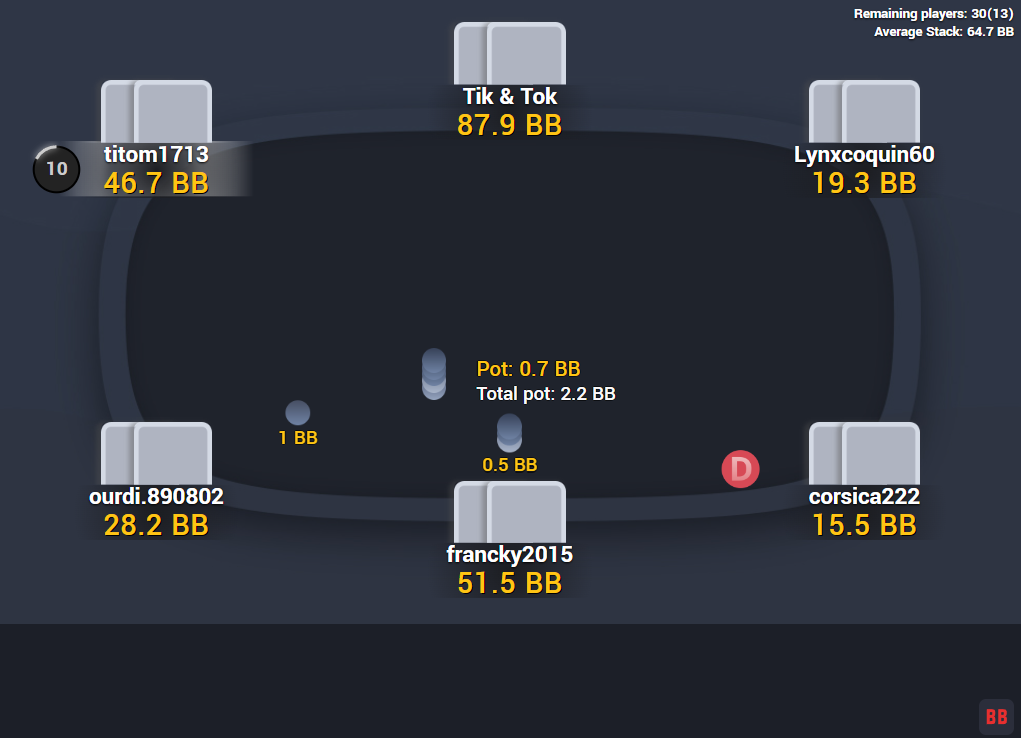
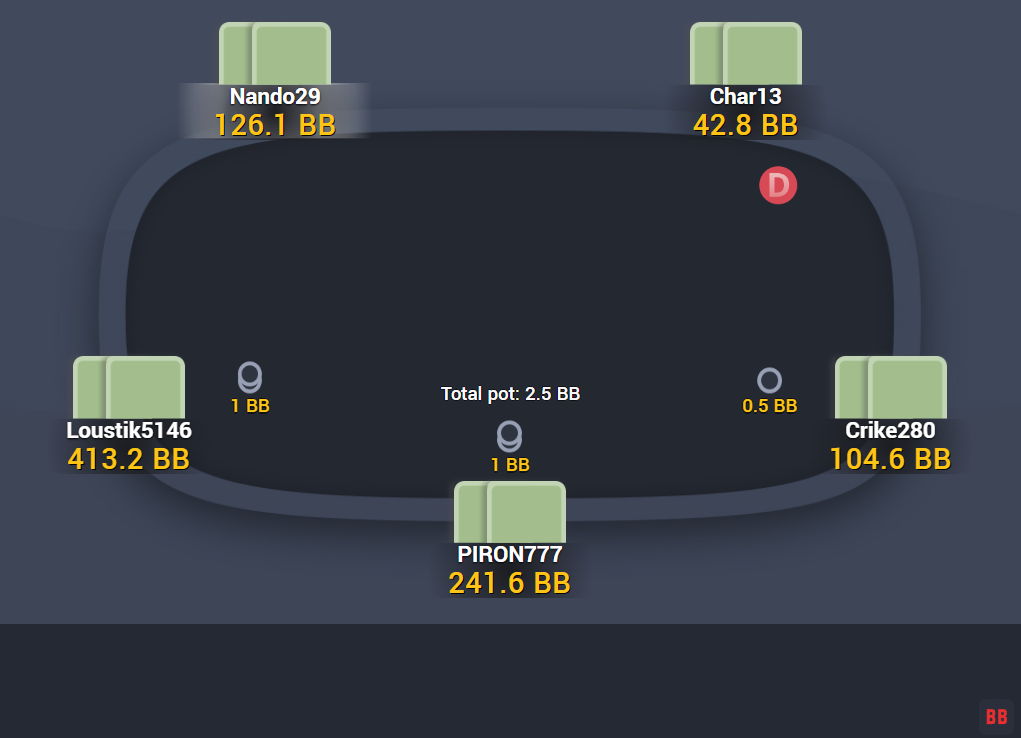
It comes with four different table shapes and two backgrounds – one is lighter and the other is darker.
The theme also comes with cards – but not just one, but three decks. You can choose between the coloured deck, where each suit is represented with the card being that colour (also includes option to choose between black or yellow spades), the dark deck, or the light deck.
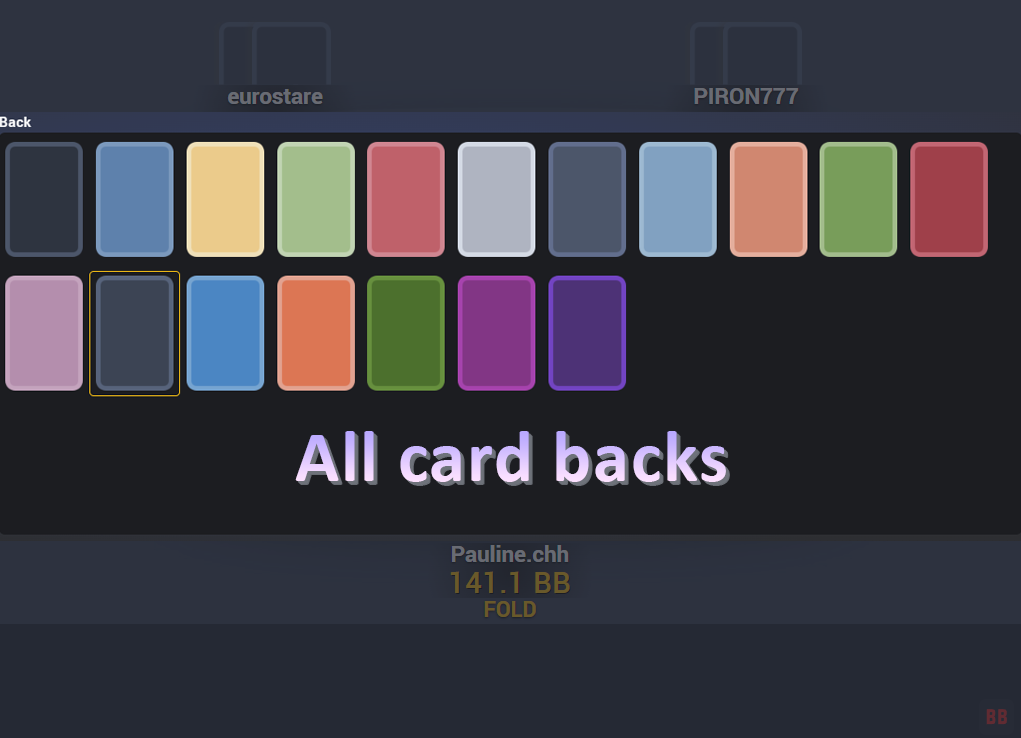
You can also choose the perfect card backs from the 18 card backs that come with the theme, and there’s even an option to choose between two sets of chips to give the table the look you want.
If calm colour scheme is something you like, then the Nord Theme will be perfect for your Winamax tables.
Price: €21.90
added to your cart!
have been added to your cart!
Features
- Four table shapes
- Four felt colours
- Two backgrounds
- Nord Dark Deck
- Nord Coloured Deck
- Nord Light Deck
- Ten as “T”
- Black spades
- Yellow spades
- 18 card backs
- New active seat
- Dealer button
- Two sets of chips
- Some new sounds (notification and action)
- Works on Expresso tables – all tables/backgrounds are the same regardless of the multiplier
- Easy installation with auto-installer (instructions included)
- Works only on Windows
- 1 year of free updates
Theme updated on 1 October 2026
How To Buy
- Click “Buy Now“.
- Go to checkout page.
- Choose the payment method you would like to use.
- To pay with your PayPal account, choose PayPal.
- To pay with a credit/debit card, also choose PayPal.
- To pay with BTC, or few other cryptos, choose Crypto.
- Now enter your email and name, if you have a discount code, then enter that too.
- Click on “Purchase“.
- If you chose PayPal as a payment method, you will be taken to PayPal, where you can make the payment.
- To pay with a credit/debit card, click on the “Pay with Debit or Credit Card” button (or if this button doesn’t exist, then on the “Create An Account” button) on Paypal page, then fill in your card details and click “Agree & Pay”.
- If you chose Crypto, then you will be taken to Coinbase Commerce, where you can make the payment.
- After the payment is done you will be redirected to a download page, where you can download your file(s) and you will also receive a purchase receipt on your email with the download link(s) (check your spam folder if you can’t find it and mark it as “Not spam”, if it did end up in there).
For other frequently asked questions, check out the FAQ page.
GGPoker Theme
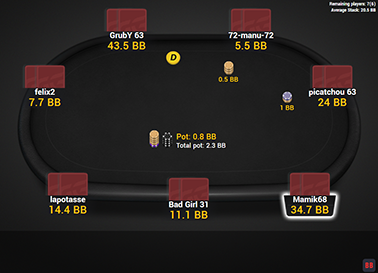
GTO Theme
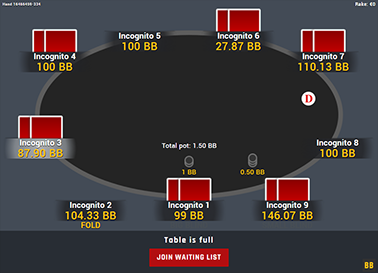
GTO V.2
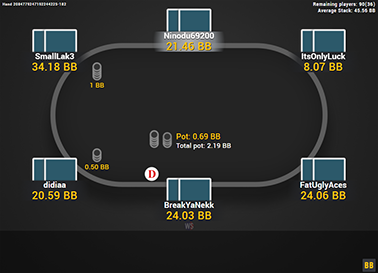
Hyper-Simple
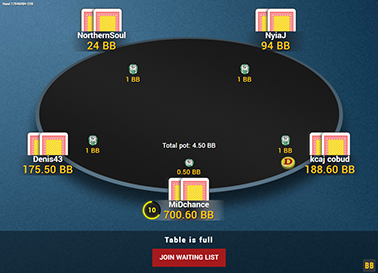
Nord Theme
PS Carbon

PS Mercury

The Zone
