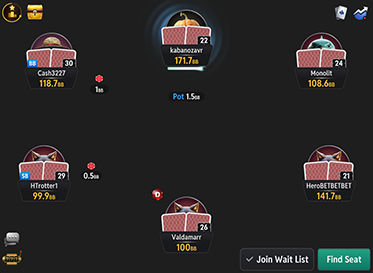
Screenshots (click to zoom)
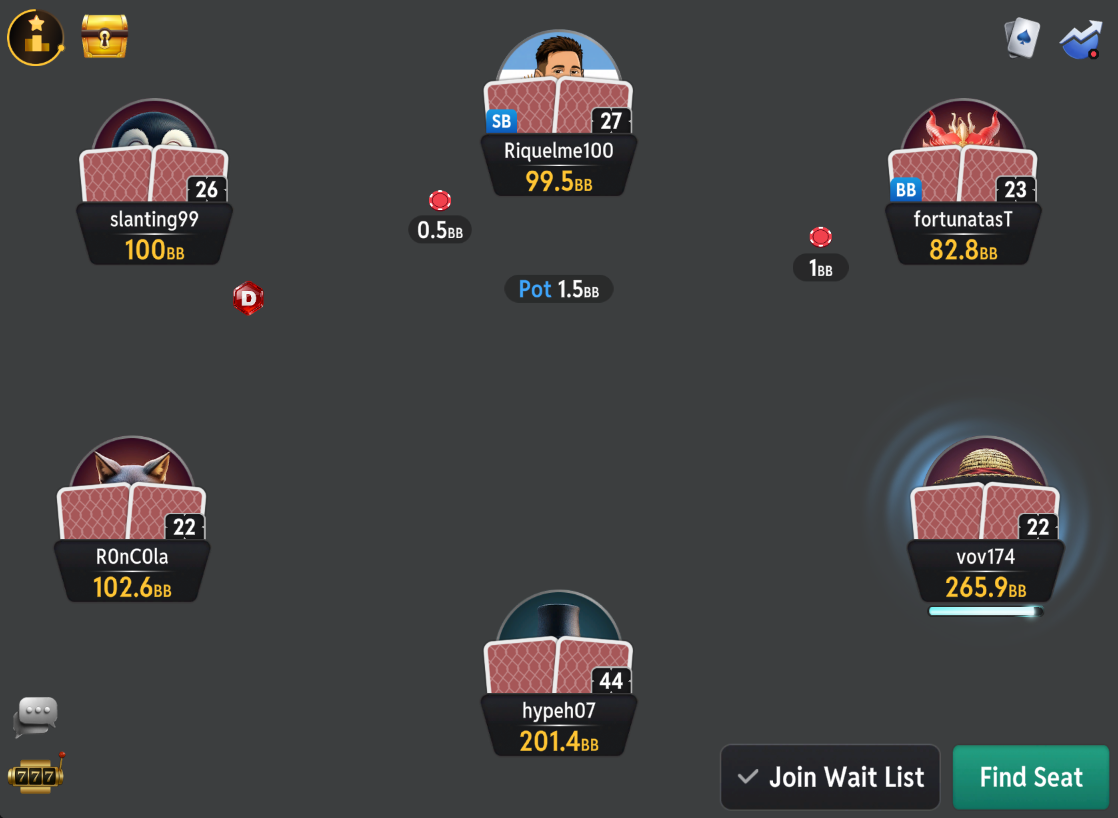
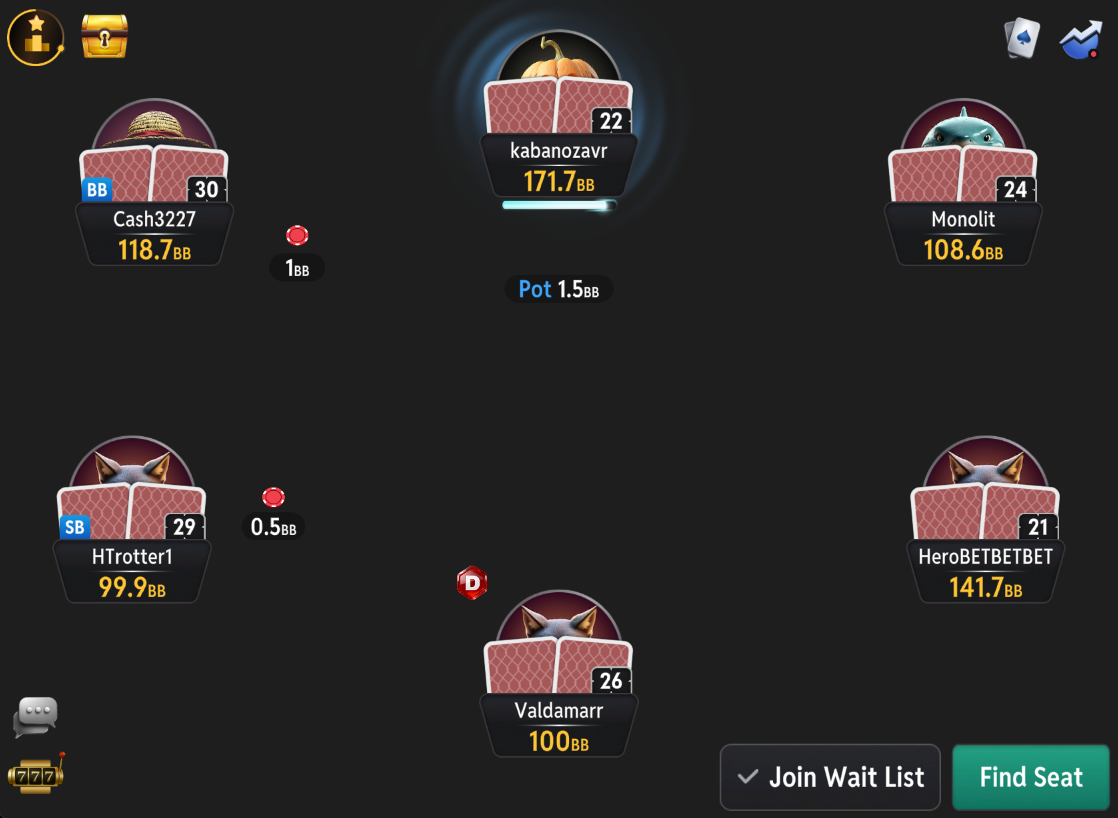
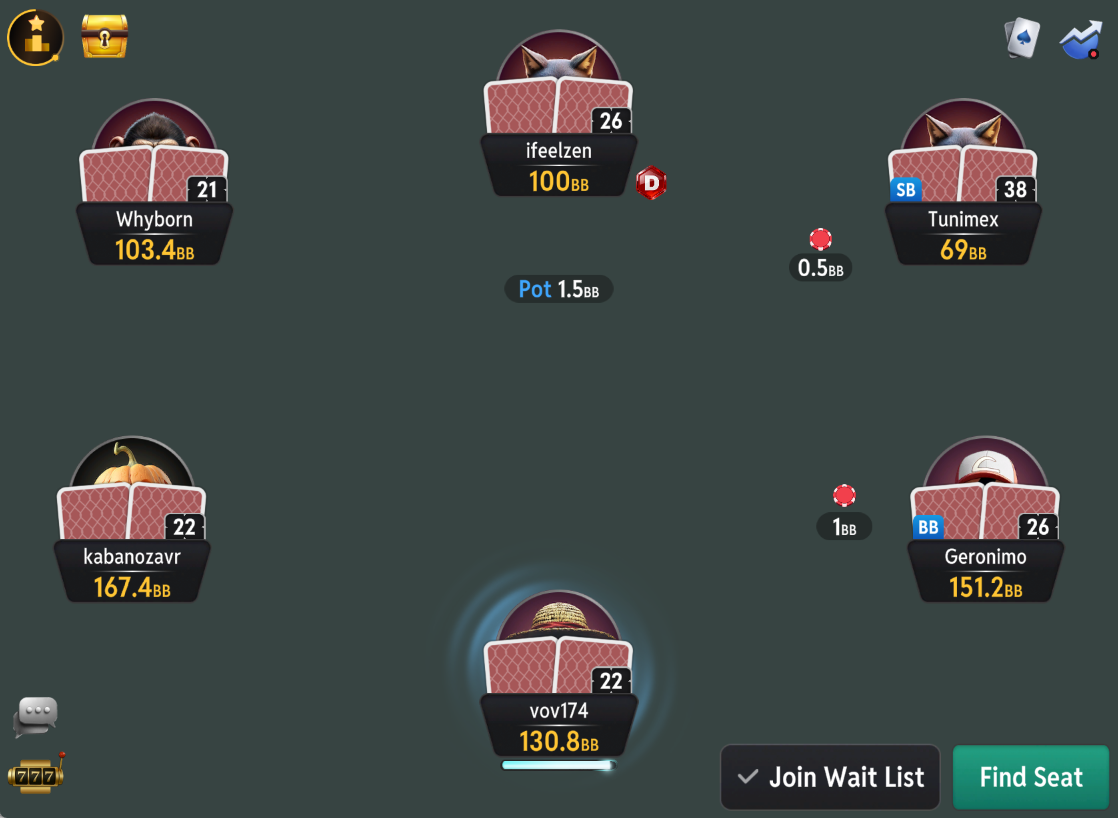
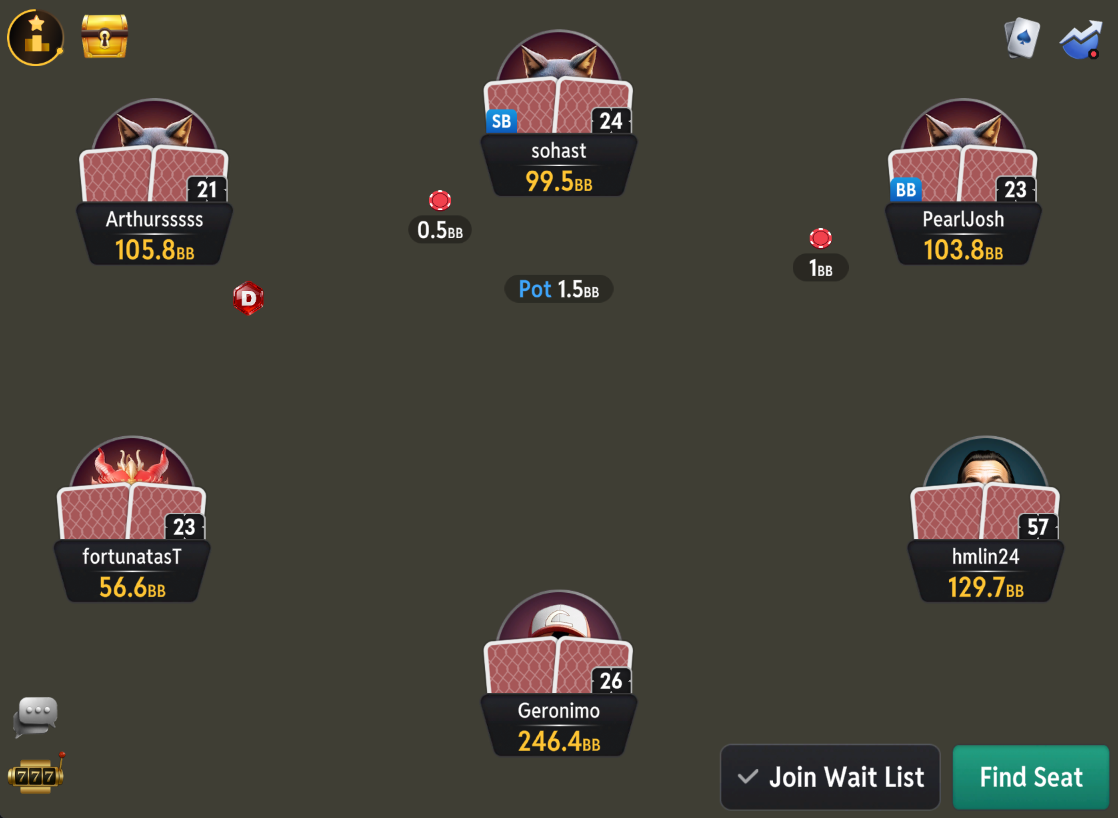
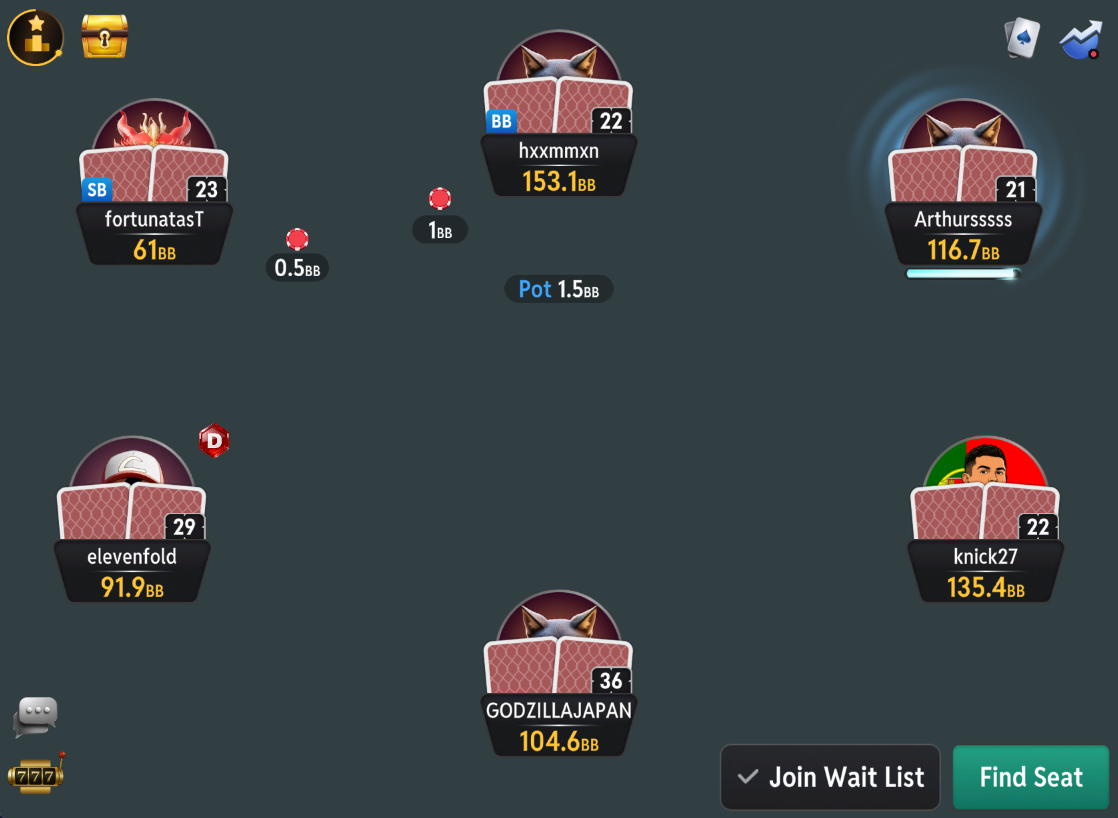
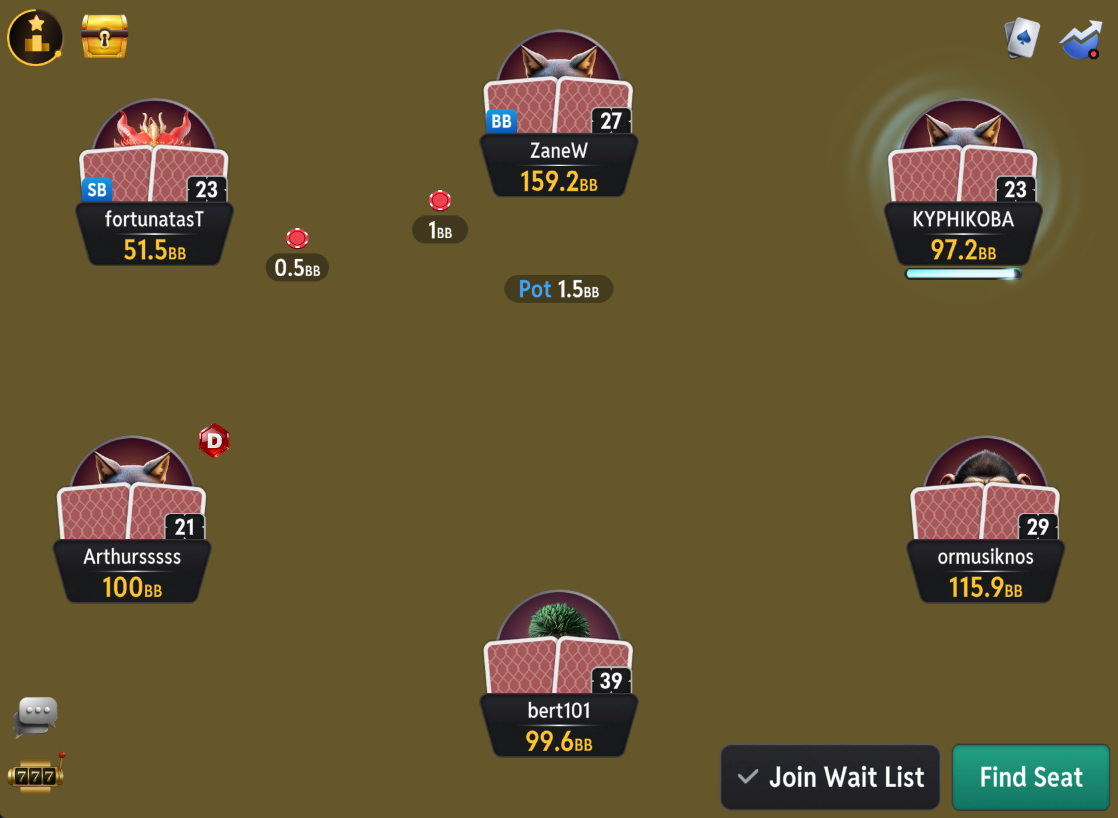
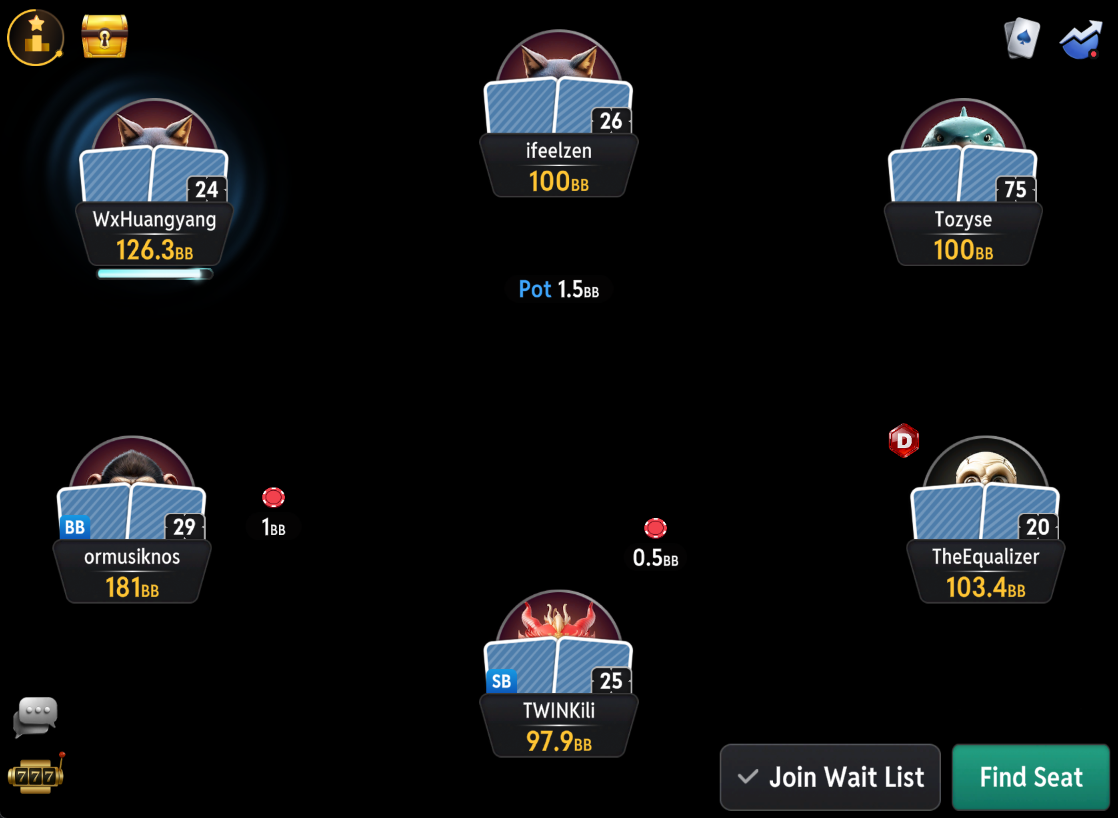
The Zone for CoinPoker
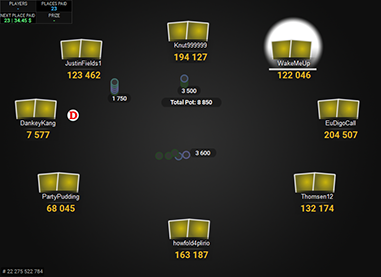
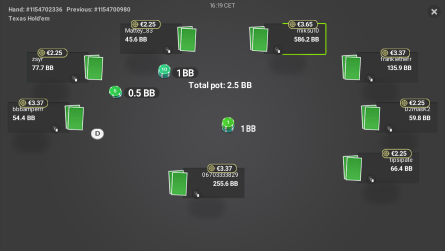
This table theme will make your CoinPoker tables look very nice and clean, so it will be easier to concentrate on the game. The theme comes with seven different background colours, so you can change it up from time to time, or use different colours for different tables.
If you prefer a cleaner look compared to the default CoinPoker tables, then The Zone is for you.
Price: €19
added to your cart!
have been added to your cart!
Features
- 7 backgrounds
- Easy installation with auto-installer (instructions included)
- Works only on Windows
- 1 year of free updates
Theme updated on 24 July 2026
How To Buy
- Click “Buy Now“.
- Go to checkout page.
- Choose the payment method you would like to use.
- To pay with your PayPal account, choose PayPal.
- To pay with a credit/debit card, also choose PayPal.
- To pay with BTC, or few other cryptos, choose Crypto.
- Now enter your email and name, if you have a discount code, then enter that too.
- Click on “Purchase“.
- If you chose PayPal as a payment method, you will be taken to PayPal, where you can make the payment.
- To pay with a credit/debit card, click on the “Pay with Debit or Credit Card” button (or if this button doesn’t exist, then on the “Create An Account” button) on Paypal page, then fill in your card details and click “Agree & Pay”.
- If you chose Crypto, then you will be taken to Coinbase Commerce, where you can make the payment.
- After the payment is done you will be redirected to a download page, where you can download your file(s) and you will also receive a purchase receipt on your email with the download link(s) (check your spam folder if you can’t find it and mark it as “Not spam”, if it did end up in there).
For other frequently asked questions, check out the FAQ page.
The Zone Themes for All Sites
PokerStars

PartyPoker
Winamax

888

iPoker

Unibet
Chico

CoinPoker